What is GNO, in one paragraph?
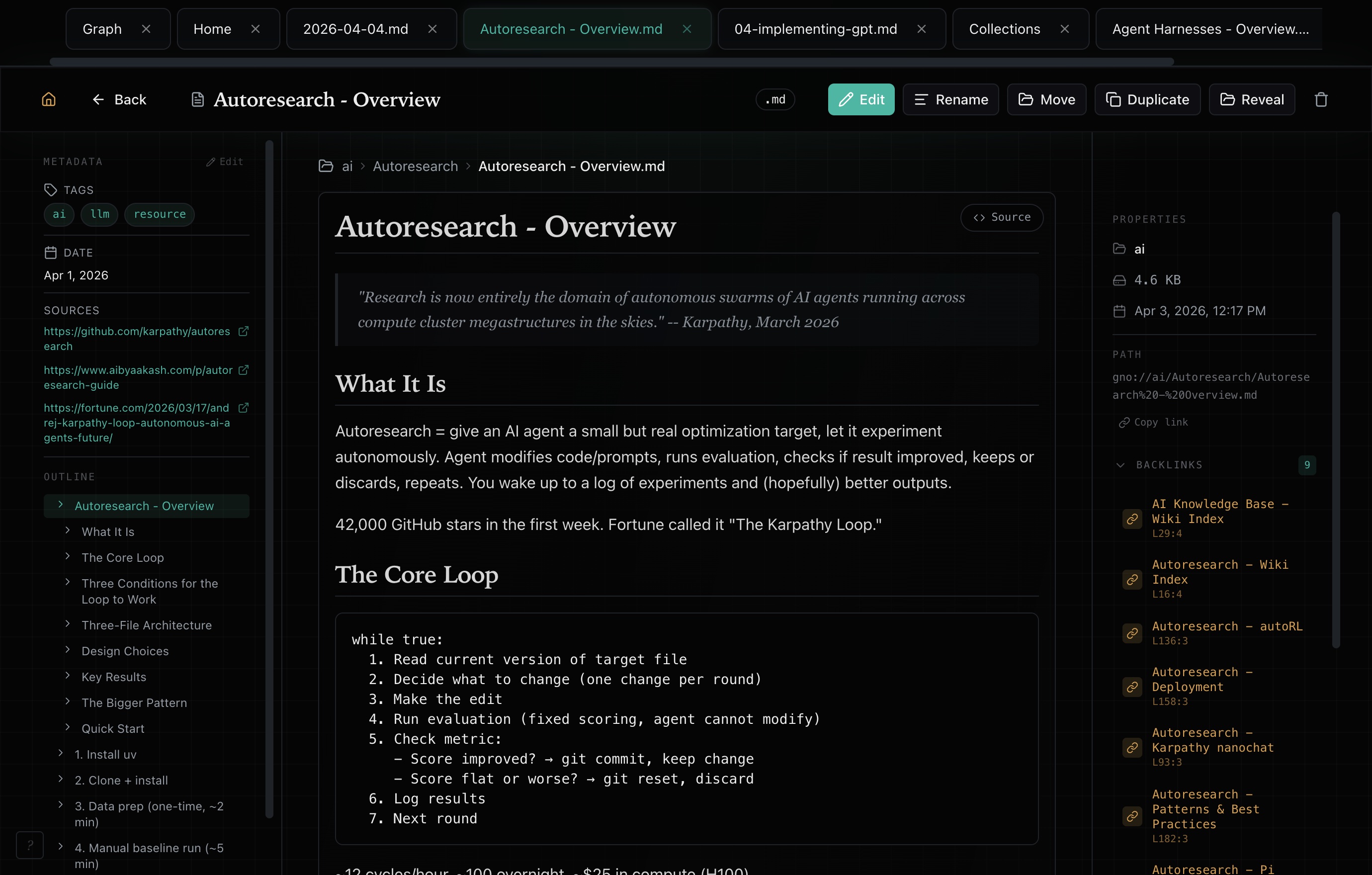
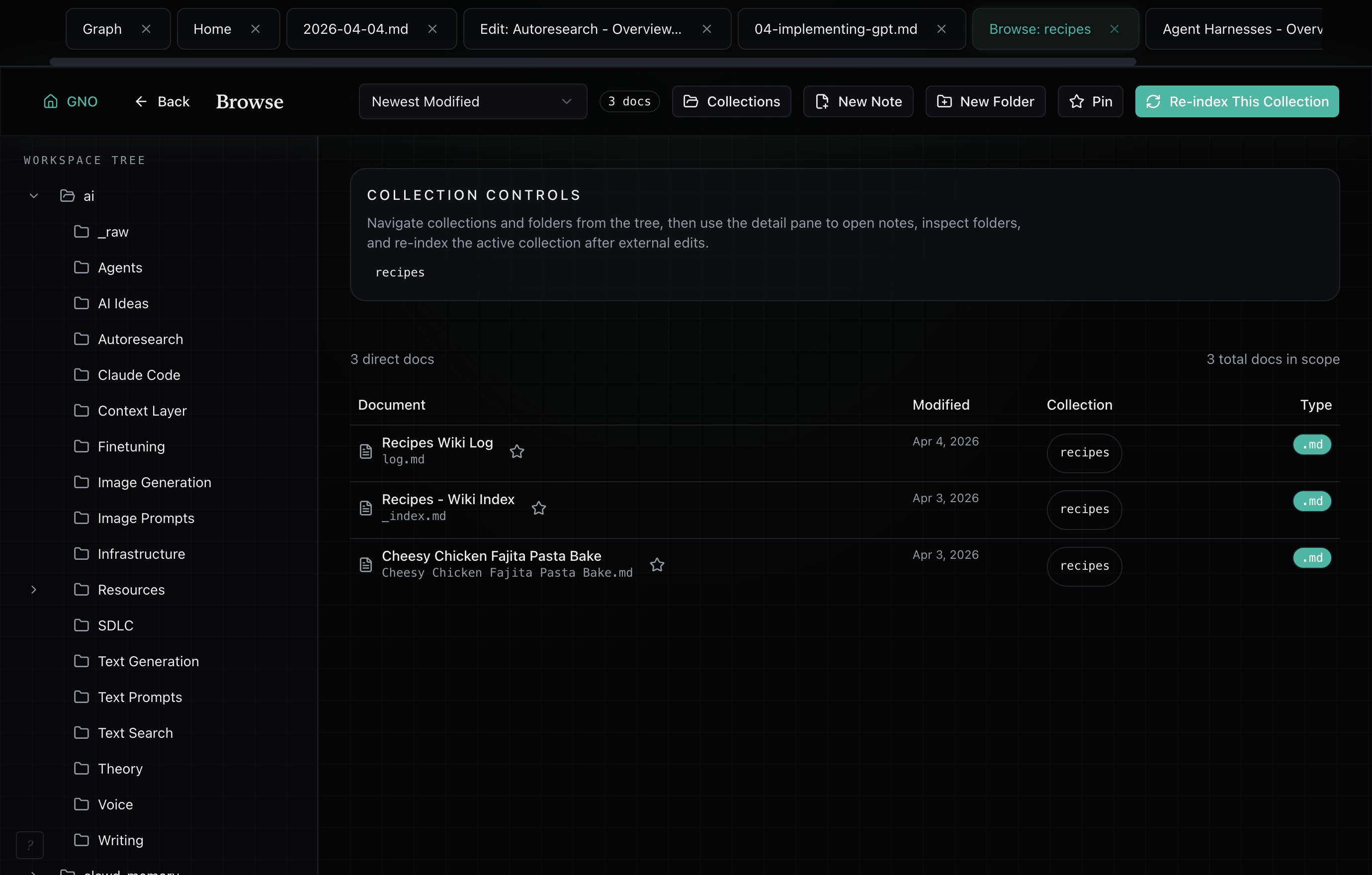
Point GNO at folders on your machine and it builds one local index across markdown, code, PDFs, Office documents, and portable exports. From there you get keyword, semantic, and hybrid search; a workspace with a folder tree, a markdown editor, native PDF pages, and a knowledge graph; and one-command hookup so Claude Code, Cursor, Codex, and seven other clients retrieve from the same index. When an answer has to be checked, GNO can compile a Context Capsule and abstain below full claim support. Open source, MIT licensed. Indexing, search, and built-in models run on your machine.
What file types can it index?
Markdown, PDF, Office documents, plain text, and source code, plus portable mail and calendar exports, transcripts, JSONL, and browser exports. Markdown stays editable in the workspace; converted binaries stay read-only, and the interface never blurs the two. Point it at a folder that mixes all of them and it handles the mix.
Can I filter by custom fields such as project or confidence?
Yes. Opt in with nested gno.metadata YAML, sync your notes, and use typed filters across CLI, MCP, SDK, REST, and the Web UI. Strings, numbers, booleans, and homogeneous arrays are supported. Filters respect existing scope and privacy; coverage warnings identify invalid metadata or pending extraction.
How is this different from grep, Spotlight, or Obsidian search?
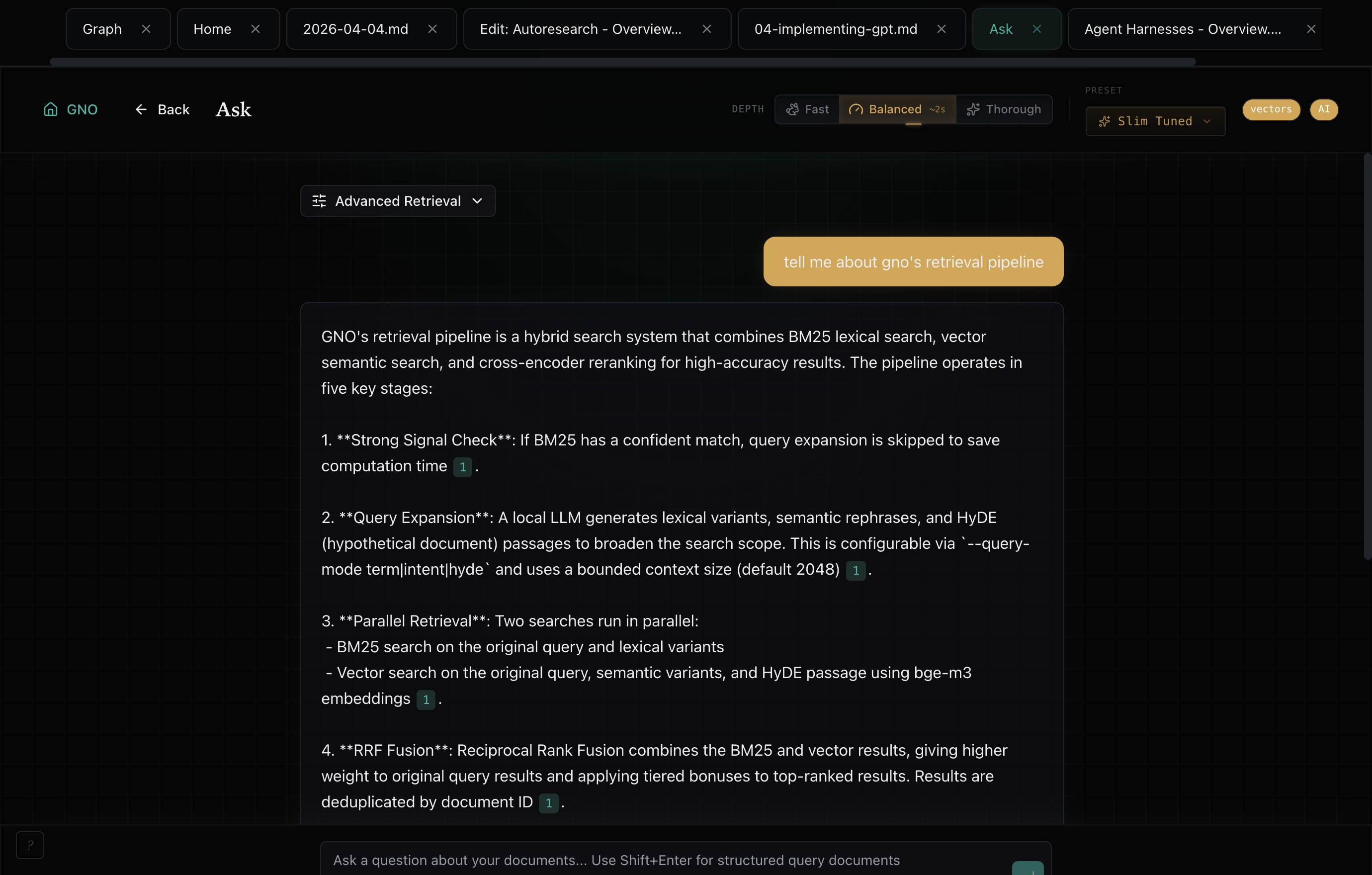
Those match the words you typed. GNO also matches meaning, so a search for “how we handle retries” finds the paragraph that talks about exponential backoff without the word “retry” in it. It reads inside PDFs and Office files rather than just their filenames, it spans every folder you have added rather than one vault, it answers questions in natural language with citations, and it exposes all of that to your AI tools. If your material is one folder of Markdown and you only ever search for exact strings, ripgrep is genuinely fine.
Do I need a GPU? What does it cost to run?
No GPU required and no account required. Local GNO is free and MIT licensed. Document conversion and keyword search do not need local model inference. Embedding is separate model work. Semantic search and AI answers use built-in local models that run on CPU, and will use Apple Silicon or a GPU if you have one. Adding or removing a GPU later keeps your existing embeddings when a sampled re-embed on the new backend matches them. You can point inference at an external endpoint instead, which is an explicit opt-in, and the only paid thing anywhere is the optional gno.sh hosted publishing layer.
Is my data sent to the cloud?
Not by default. Indexing, search, and the built-in models run on your machine with zero telemetry, and work offline once models are cached. There are exactly three boundaries, all explicit: downloading a model, configuring an HTTP inference endpoint (which then receives the text for that model role), and uploading an artifact you exported for gno.sh. Each collection also carries a fail-closed egress policy that authentication cannot override.
How does it work with Claude, Cursor, or Codex?
Connect your client and install the retrieval protocol with gno agents install for a supported harness. It teaches when to retrieve, how to choose a search path, and how to cite and maintain knowledge. gno mcp install --target <client> pins the exact runtime, index, and workspace roots so the client opens the same workspace regardless of shell environment, and gno skill install gives agents CLI-level retrieval with no protocol overhead. MCP exposes 37 read-only tools by default, including Capsule build, Capsule verification, Knowledge Delta, scoped memory recall, and the opt-in verified Ask tool. The 21 mutating tools, gno_remember among them, require a separate flag. An opt-in core profile advertises 7 read tools with routing descriptions (9 with writes enabled) for sessions that should pay for fewer tool definitions.
Can GNO be my agent's long-term memory?
Yes, in two layers over one local index. Retrieval: your agent pulls the passages it needs on demand instead of loading a knowledge base into every session. Facts: mark one collection memoryManaged: true and any agent you authorize can gno remember a standing fact under explicit scopes and gno recall the current facts later, at most 8 under 512 tokens, cited by gno:// URI. Each fact is one markdown file in your own vault with caller, session, source, and content hash in its frontmatter; a change is a hash-checked supersede that keeps the predecessor on disk, and a recall receipt fences recalled text from being stored again as new. The same contract runs on the CLI, MCP (gno_recall read-only, gno_remember behind --enable-write), REST, and the SDK, so Claude Code, Codex, and the Hermes Agent provider read and write the same store, and the OpenClaw plugin retrieves over it. Run gno daemon and several clients share one resident runtime over a Streamable HTTP MCP gateway. Local models load on first use and unload after five idle minutes; the next semantic request reloads them. Nothing is captured automatically and no model sits in the write path: every fact is an explicit call, and the agent decides add or supersede. Past agent conversations are a separate, opt-in layer: gno sessions import archives selected Codex, Claude Code, OpenClaw, or Hermes sessions into their own index when you run it (or, if you opt in, from a Claude Code SessionEnd hook or a gno daemon schedule), and never turns them into facts.
What actually makes GNO different from other local RAG tools?
GNO indexes the folders you already have, including PDFs, Office files, and portable exports, and puts a workspace, a CLI, an SDK, REST, and ten agent clients on that one index. On top of that it can produce checkable evidence: a Context Capsule with exact line spans and content hashes, an answer path that abstains unless every substantive claim is supported, freshness receipts when sources move, and setup that reports success only after lexical search returns a real corpus hit. The benchmark artifacts behind those claims ship in the repository. Search and the workspace work without ever touching the evidence layer.
Does verified Ask mean the answer is true?
No, and GNO will not claim otherwise. Verified Ask checks a draft only against the exact evidence retained in its closed local Capsule. It binds verdicts to evidence IDs, line ranges, and hashes, reports stale evidence and verifier degradation, and abstains when support is incomplete. It does not prove anything beyond your corpus, and it cannot make a wrong source right.
What does gno.sh add?
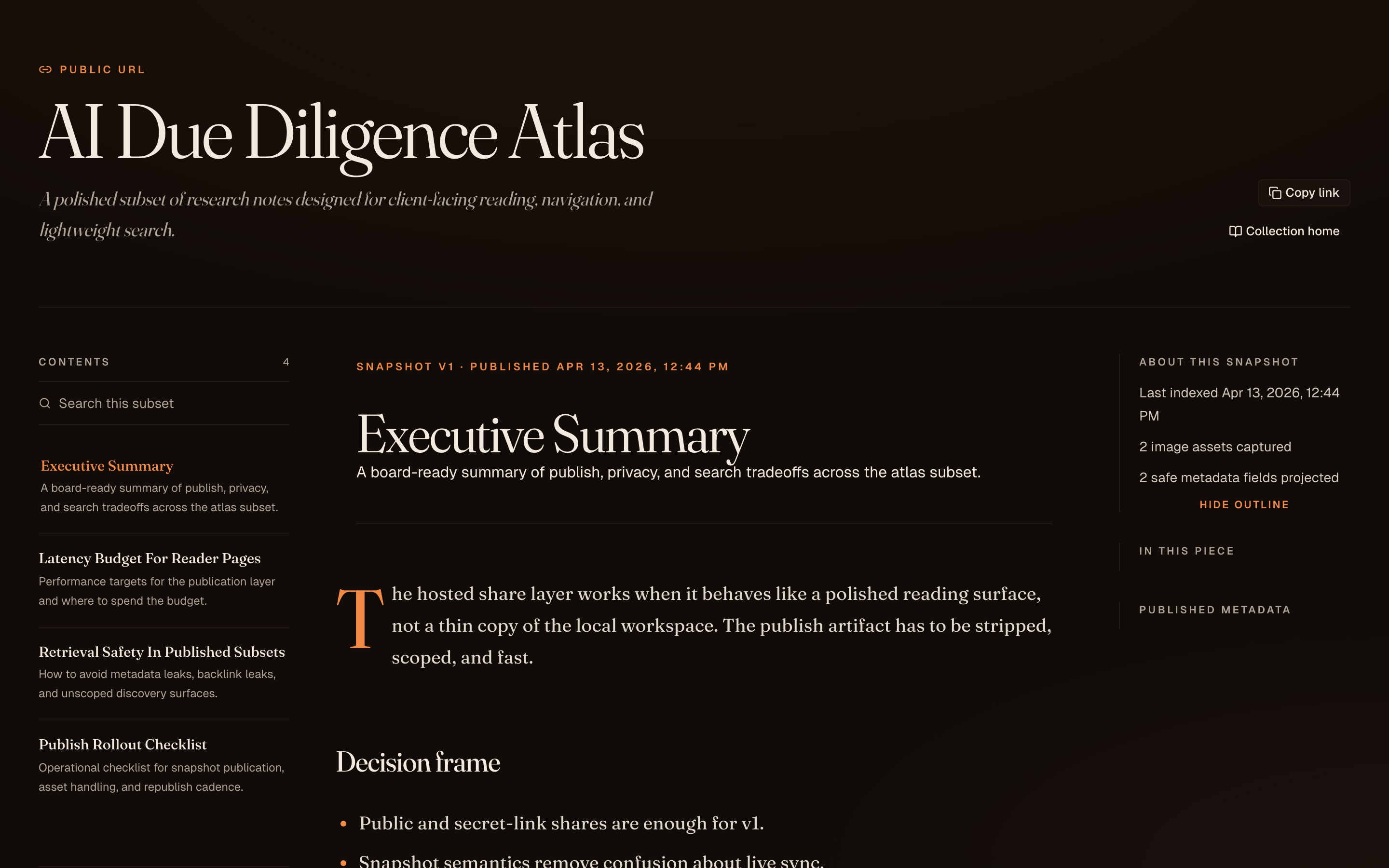
An optional publishing layer. Export a note or collection locally, upload the artifact, and get a reading-first page: public URL, secret link, invite-only space, or a share encrypted before it leaves your machine. Public snapshots can also offer a read-only view for agents. Secret-link, invite-only, and encrypted spaces are for human readers only. Nothing outside the artifact you exported ever reaches the server.
Does GNO work with Obsidian and the LLM Wiki pattern?
Yes to both. Point GNO at an Obsidian vault and it indexes wiki links, frontmatter tags, and the whole tree, adding hybrid search, cited answers, and agent access on top of what you already have. Split the vault into several collections and plain wiki links still resolve across them. For an LLM Wiki, where an agent compiles raw sources into a persistent markdown knowledge base, GNO indexes both the compiled wiki and the raw sources, so retrieval spans both layers.