Publish
One note or a whole collection
Pick a note, a folder, or a curated subset from your local GNO workspace. Export with gno publish export, upload at /studio, get a URL. No raw source files ever leave your machine.
gno.sh · Publishing layer
gno.sh is the hosted publishing layer on top of your local GNO workspace. Export with gno publish export, upload at /studio, get a URL.
Your raw vault stays local. Run gno publish export <target> --out atlas.json, then upload that compiled artifact at /studio. gno.sh renders the snapshot with variable serif, outline, keyboard nav, and subset-scoped search. Pick public URLs, secret links, invite-only spaces, or client-side encrypted bundles.
Each artifact records the egress policy of the collections it came from. Export and upload are separate, explicit actions: a local policy change never uploads a file and cannot retract one already hosted. Unpublish any visibility in Studio to stop hosted access while retaining the source. Delete permanently removes the selected hosted item and its history through background cleanup. Your local files and independently published copies are unaffected.
How it works
Publishing is export, then upload. There is no vault mount and no live sync. Local GNO compiles the artifact. gno.sh hosts the reader surface.
gno publish export atlas --out ~/Downloads/atlas.jsonThe publish studio is where you select a source from your workspace, set visibility (public, secret link, invite-only, or encrypted), upload an artifact from local GNO, and manage published routes. For non-encrypted uploads you can create a new space, overwrite an existing one, or append articles into an existing shared navigator.

What you get
gno.sh is intentionally thin on top of GNO. Local GNO stays the retrieval and intelligence engine — this is the opinionated reading layer for when you need a URL to send someone.
Pick a note, a folder, or a curated subset from your local GNO workspace. Export with gno publish export, upload at /studio, get a URL. No raw source files ever leave your machine.
Variable serif typography. Generous measure. Real hanging punctuation. Outline, backlinks, and related notes scoped strictly to what you published.
Secret-link tokens for one-off shares, invite-only spaces for clients, and encrypted bundles exported locally from GNO before upload.
Press / and jump through a published collection. Pagefind-style lexical search scoped to the published subset — no leaks, no stale index.
Public agent-ready snapshots add llms.txt, a deterministic manifest, and content-hashed Markdown with exact line-range citations — only for the projection you published.
Publications are snapshots, not live mounts. Republish when you want. Rotate or revoke secret links. Expire with a click. No ambiguity for readers.
Every published page currently carries a Published with GNO footer, including shares owned by paid accounts and organizations.
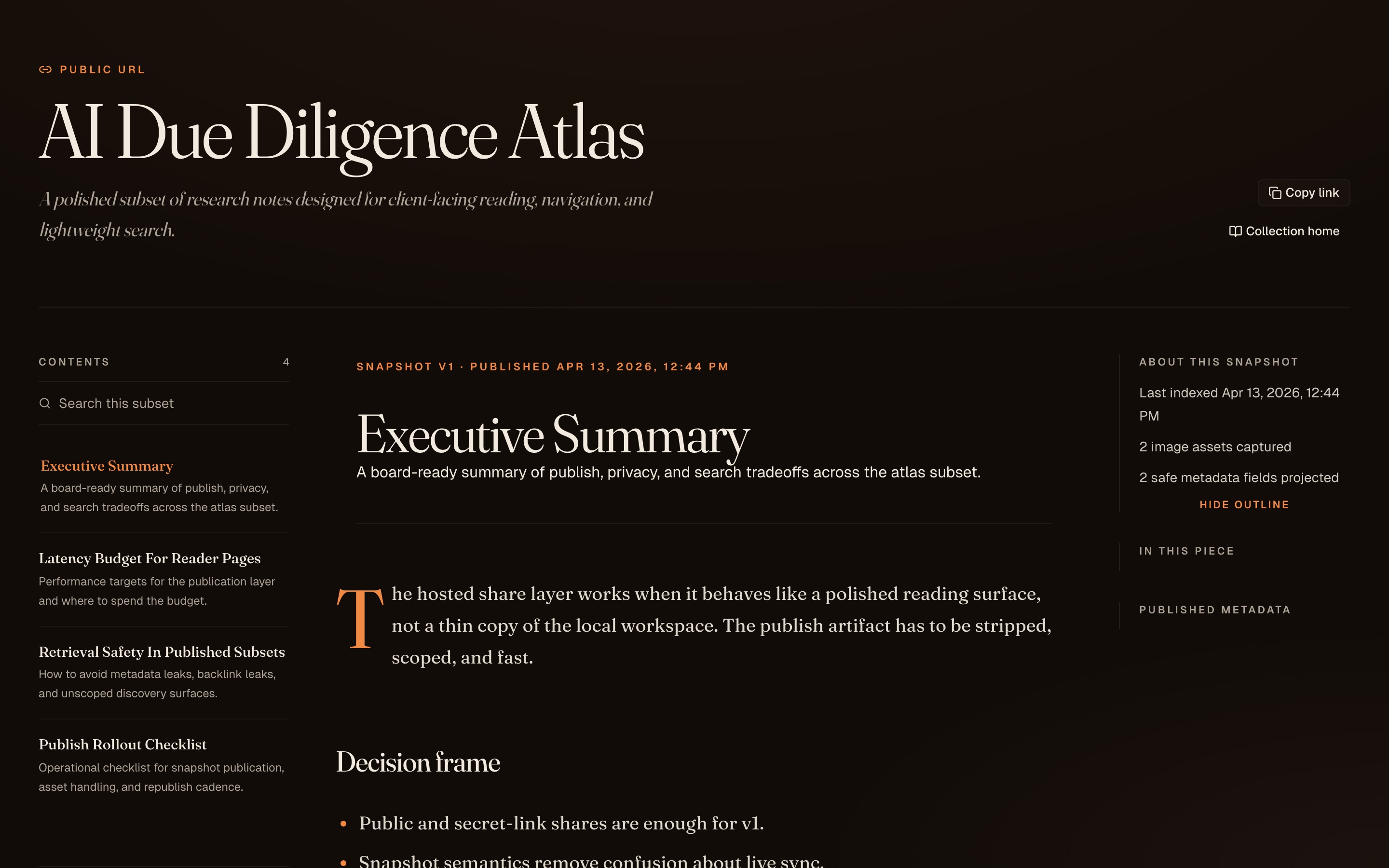
Pick any note in your workspace and publish it as a clean public URL. Private metadata is filtered out at publish time. Backlinks and related notes are disabled by default so nothing leaks from the rest of your vault.
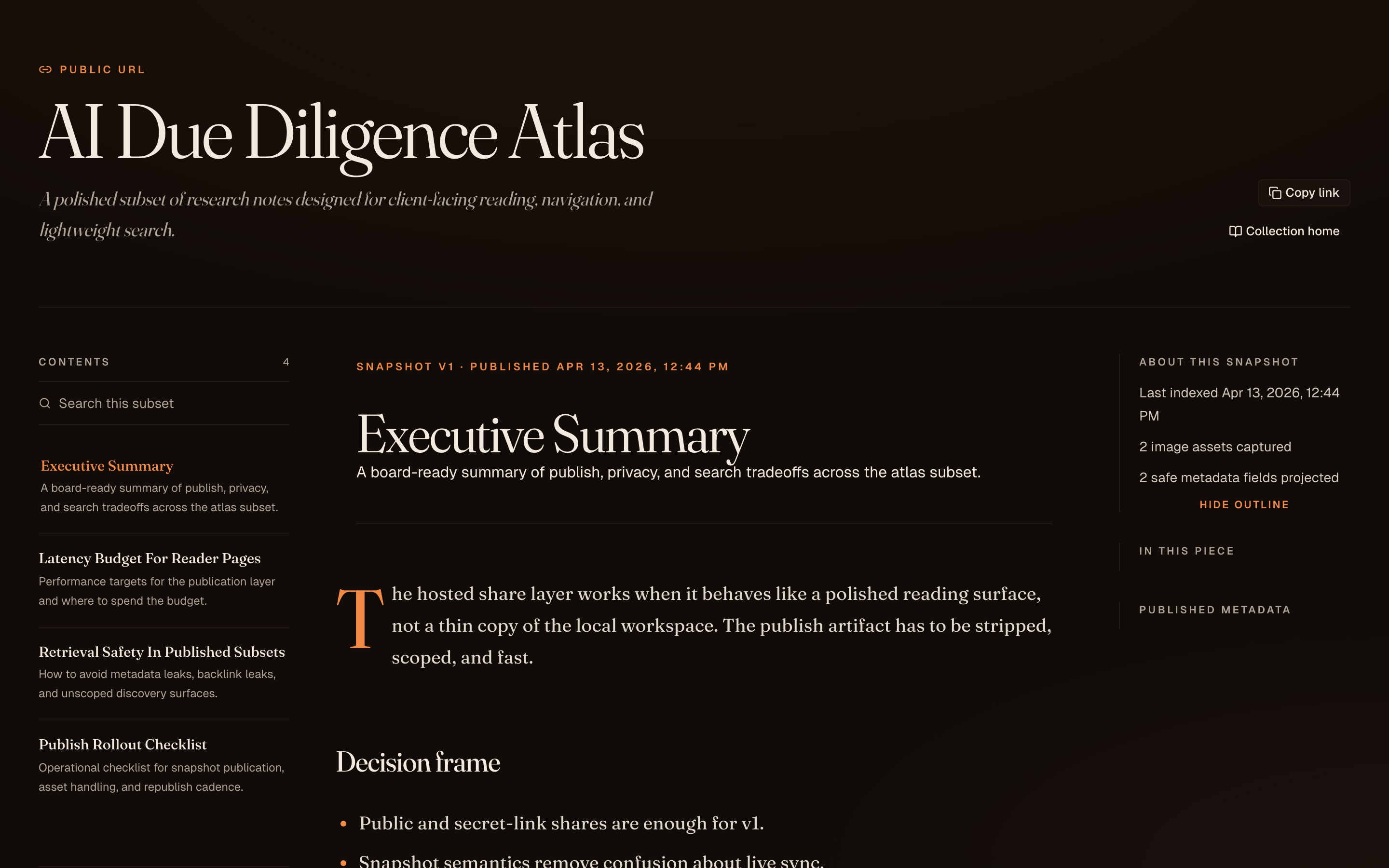
Readers get a collection home, note list, scoped search, and precomputed backlinks limited to the published subset. Everything is strictly scoped to what you chose to publish.
Share a note or collection with an unguessable secret link, invite specific people to a private space, or export an encrypted bundle from local GNO so gno.sh stores ciphertext and readers decrypt in the browser.
Reader constraints
Most publish tools either spit out raw markdown or drop you into a heavy collaborative app. gno.sh is a reading surface: variable serif, 68ch measure, hanging punctuation, and subset-scoped search.
Filtered publish projections. Hidden frontmatter. Stripped local paths. Backlinks and related notes strictly scoped to the published subset — never to the rest of your vault.
Variable serif, drop caps, hanging punctuation, and a 68ch measure.
Published content is a snapshot, not a live mount. See the last-indexed and last-published timestamps on every page. Republish when you’re ready, not before.
Subtle “Published with GNO” branding appears on every current share, including paid accounts and organizations.
Plans
Everything local — search, Web UI, CLI, SDK, MCP, skills — is open-source and MIT-licensed with no account. Only this hosted publishing layer has entitlements: public notes publish for free; Pro is a personal subscription for private sharing; Team is billed to an organization and adds encrypted sharing for its members.
Public single-note and small-collection publishing
Private sharing for a personal workspace
Encrypted sharing for an organization workspace
Full feature matrix, billing scope, and plan FAQ: pricing details.
Ready when you are